Google Workspace: Tools, Features, and How It Helps Students and Teachers
When you hear Google Workspace, a suite of cloud-based productivity apps designed for education and business. Also known as G Suite, it includes tools like Gmail, Docs, Drive, and Classroom that millions of students and teachers in India use every day to submit assignments, collaborate on projects, and stay organized. It’s not just for corporate offices — it’s the backbone of remote learning in CBSE, ICSE, and state board schools.
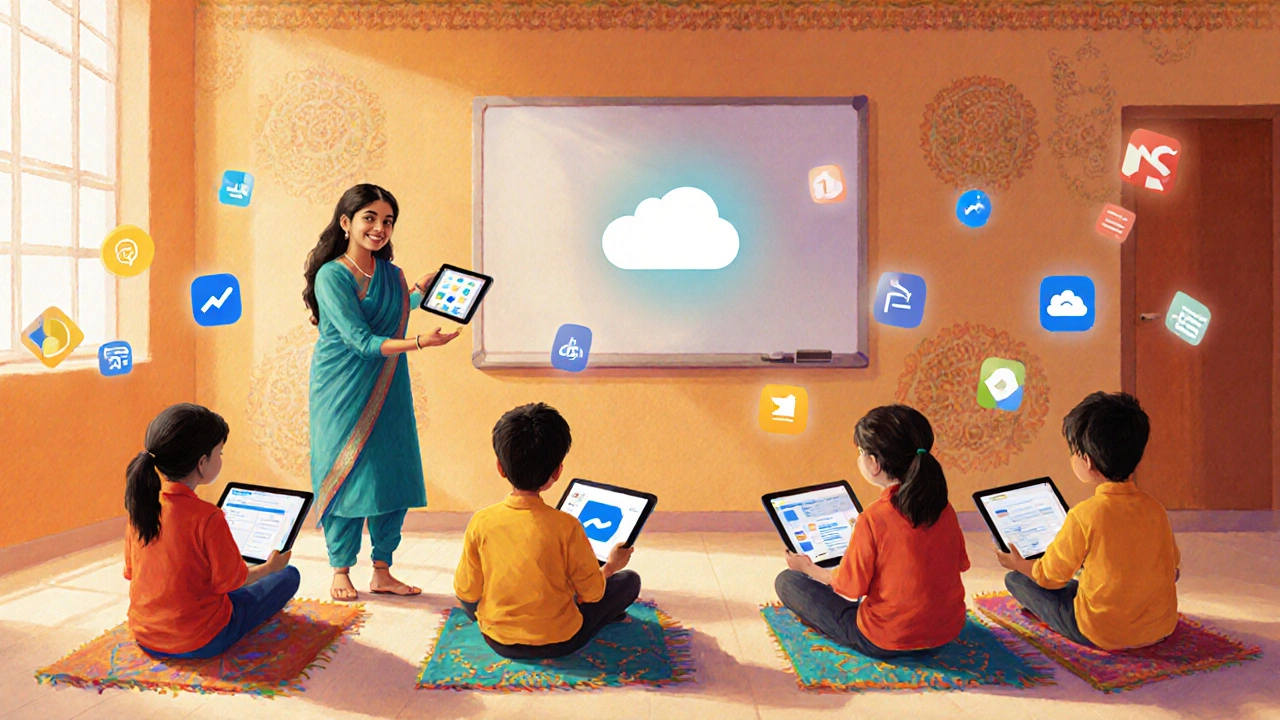
Google Workspace makes learning flexible. Instead of printing notes or emailing files back and forth, students use Google Classroom, a digital platform where teachers post assignments, give feedback, and track progress to keep up with their syllabus. Teachers save hours by grading directly in Google Docs, a real-time word processor that lets multiple people edit the same document at once. Parents can even get email summaries of their child’s work without logging in. No complex software. No passwords to forget. Just clean, simple tools that work on any phone, tablet, or old laptop.
It’s not about having the fanciest device — it’s about using what’s already available. A student in Hyderabad can work on a group project with someone in Jaipur using Google Drive, a cloud storage system that automatically saves files and lets you share them instantly. A NEET aspirant can store hundreds of practice papers in a single folder and search them by keyword. A teacher preparing for board exams can reuse the same quiz template across three classes with one click. These aren’t luxury features — they’re daily necessities in a system where time and resources are tight.
You don’t need to be a tech expert to use Google Workspace. It’s built for people who just want to learn, teach, and get things done. The tools are intuitive, free for schools, and work offline when internet is spotty — a real advantage in smaller towns. Whether you’re a student juggling JEE prep or a teacher managing 150 assignments, Google Workspace cuts through the noise. Below, you’ll find real guides on how to use these tools effectively — from setting up a study group in Classroom to organizing your notes so you never lose a deadline again.
Google Classroom: Is It a Digital Platform?
- Myles Farfield
- 0 Comments
Google Classroom is a cloud‑based LMS that meets all criteria of a digital platform. Learn its core features, integration options, and how it compares to Canvas, Moodle, and Teams for Education.
Read more