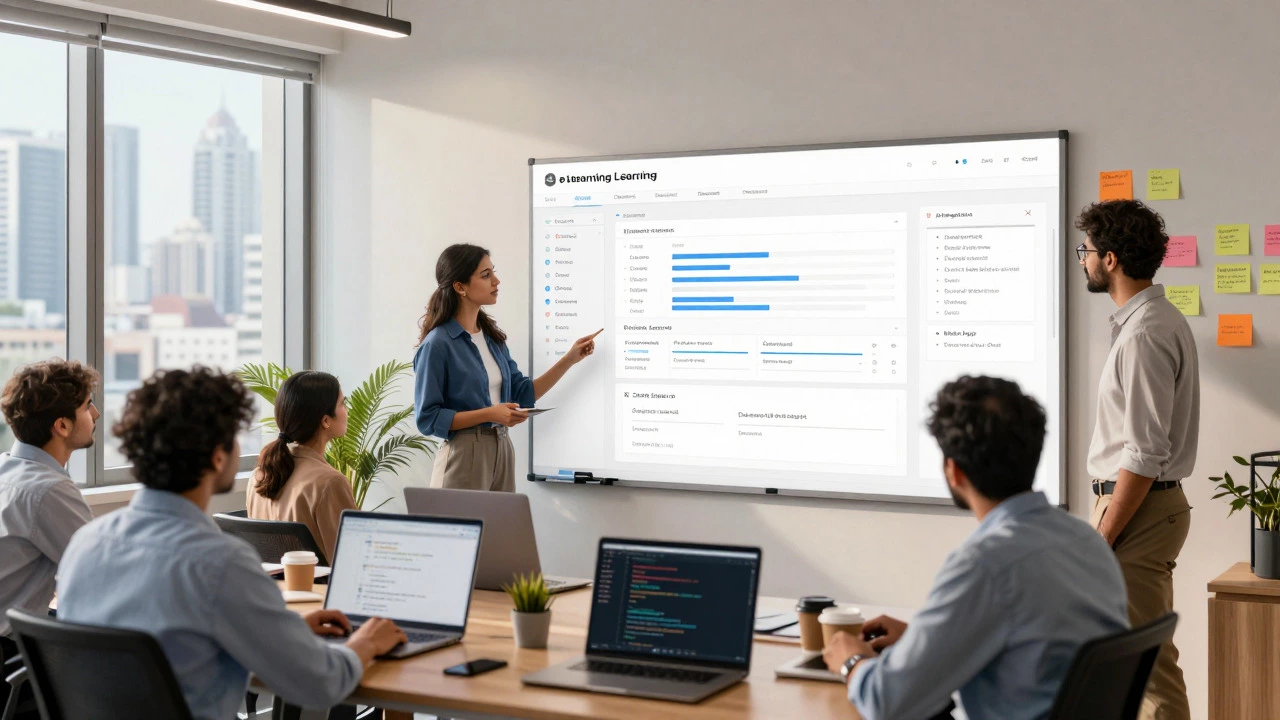
eLearning Platform Cost Estimator
1. Select Development Tier
2. Add Features
0 SelectedEstimated Budget
You have a brilliant idea for an online school, a corporate training hub, or a niche coaching platform. But before you hire a single developer, the big question hits you: how much is this actually going to cost? The answer isn't a single number. It’s a range that can swing from $5,000 to over $250,000 depending on what you’re building. Most founders get burned because they assume all eLearning platforms are created equal. They aren’t. A simple site where users buy PDFs is worlds apart from a complex system with live video streaming, AI-driven personalization, and enterprise-grade security.
In 2026, the landscape of educational technology has shifted. Users expect seamless mobile experiences, instant feedback, and social interaction. If you under-budget, your platform will feel clunky and outdated before it even launches. If you over-budget, you might run out of cash before finding your first paying customer. This guide breaks down the real costs, hidden fees, and strategic choices that determine your final price tag.
Key Takeaways
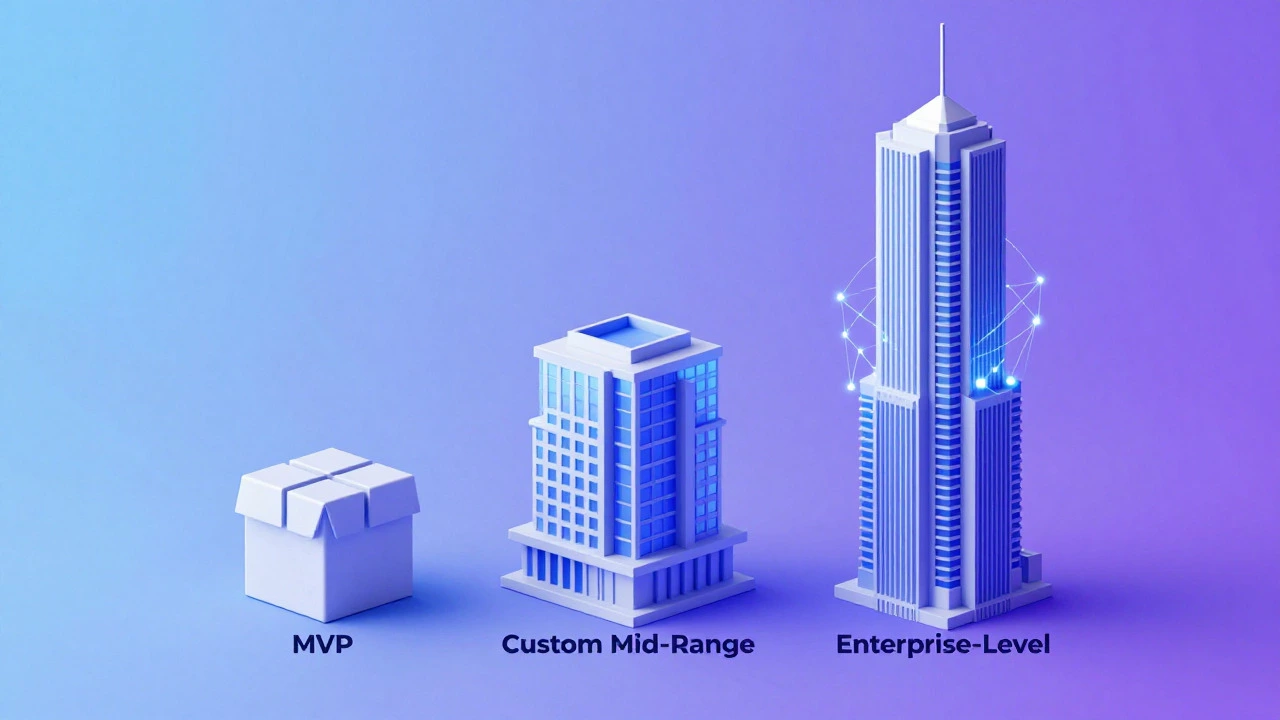
- Basic MVP (Minimum Viable Product): Expect to pay between $10,000 and $30,000 for a functional platform using off-the-shelf tools like WordPress or Moodle with custom theming.
- Custom Mid-Range Solution: Budget $40,000 to $80,000 for a tailored experience with unique features, better scalability, and proprietary branding.
- Enterprise-Level Custom Build: Costs exceed $100,000, often reaching $250,000+, involving complex integrations, AI algorithms, and high-load infrastructure.
- Ongoing Costs Are Real: Development is just the start. Server hosting, maintenance, and updates typically cost 15-20% of the initial development fee annually.
- Location Matters: Developer rates vary wildly. US/Western European teams charge $100-$200/hour, while Eastern Europe or Asia-based teams may charge $30-$70/hour.
Understanding the Three Tiers of eLearning Development
To estimate your cost accurately, you first need to identify which tier your project falls into. There is no "one size fits all" in software development. Your choice here dictates everything from the tech stack to the team size required.
Tier 1: The Off-the-Shelf Solution (CMS-Based)
This approach uses existing content management systems like WordPress paired with plugins like LearnDash or LifterLMS, or open-source platforms like Moodle. You are essentially renting the engine and painting the car. The core functionality-user registration, course creation, payment processing-is already built. You pay developers to configure, customize the design, and integrate specific third-party tools. This is the fastest route to market and the most affordable option. However, you are limited by the plugin ecosystem. If you want a feature that doesn’t exist as a plugin, you’re stuck unless you write custom code, which can break during updates.
Tier 2: The Hybrid Custom Build
Here, you use a robust framework like React.js for the frontend and Node.js or Python Django for the backend, but you leverage existing libraries for common tasks like authentication or video playback. This gives you more control over the user interface and performance than a CMS. You can build unique gamification mechanics, custom reporting dashboards, or specialized assessment engines. This tier requires a dedicated development team and a longer timeline, usually 3 to 6 months.
Tier 3: The Fully Custom Enterprise Platform
This is for companies that need total differentiation. Think of platforms like Coursera or Udemy in their early days, or large corporations needing deep integration with HR systems like SAP or Workday. Every line of code is written from scratch. You might incorporate Artificial Intelligence for personalized learning paths, advanced analytics, or peer-to-peer networking features. This tier demands senior architects, extensive quality assurance, and significant infrastructure planning. Timelines often exceed 9 months.
Breakdown of Development Costs by Feature
The biggest driver of cost is complexity. Let’s look at specific features and how they impact your budget. These estimates assume a mid-range development team rate of approximately $50-$80 per hour.
| Feature Category | Description | Estimated Cost (USD) |
|---|---|---|
| Core User Management | Sign up, login, password reset, profile management, role-based access (student/instructor/admin). | $2,000 - $5,000 |
| Course Builder & Content Delivery | Upload videos, PDFs, quizzes. Basic progress tracking. SCORM compliance if needed. | $5,000 - $15,000 |
| Payment Gateway Integration | Integration with Stripe, PayPal, or Razorpay. Handling subscriptions, one-time payments, and refunds. | $1,500 - $4,000 |
| Live Classes & Webinars | Integration with Zoom API, BigBlueButton, or custom WebRTC implementation for real-time interaction. | $5,000 - $20,000+ |
| Gamification & Social Features | Badges, leaderboards, discussion forums, peer review systems, chat functionality. | $4,000 - $12,000 |
| Advanced Analytics Dashboard | Visualizing student progress, drop-off rates, revenue metrics, and instructor performance. | $3,000 - $10,000 |
| Mobile App (Native iOS/Android) | Dedicated apps for offline access and push notifications. Often built separately from the web platform. | $15,000 - $40,000 |
Note that these costs are cumulative. If you want live classes AND a mobile app AND advanced analytics, you add those ranges together. Also, remember that SCORM (Sharable Content Object Reference Model) compliance adds complexity because it requires strict adherence to technical standards for tracking learner data across different systems.
Who Do You Hire? Agency vs. Freelancers vs. In-House
Your choice of development partner significantly impacts both cost and quality. Each model has trade-offs you must weigh carefully.
Freelancers
Hiring individual freelancers from platforms like Upwork or Toptal can be cost-effective, especially for smaller projects. You might find a full-stack developer for $30-$60/hour. However, managing multiple freelancers (one for design, one for frontend, one for backend) creates coordination overhead. If one person gets sick or disappears, your project stalls. This model works best for Tier 1 projects or small feature additions.
Software Development Agencies
Agencies provide a turnkey solution. You get a project manager, designers, developers, and QA testers under one roof. Their rates are higher ($80-$150+/hour), but they bring process maturity. They handle contracts, timelines, and communication. For Tier 2 and Tier 3 projects, agencies reduce risk significantly. They also offer post-launch support packages, which is crucial for maintaining your platform.
In-House Team
Building an internal team is the most expensive option upfront due to salaries, benefits, office space, and equipment. A senior developer in Auckland or San Francisco might cost $120,000+ annually. This model makes sense only if you plan to continuously evolve the product long-term and have the managerial capacity to lead technical staff. For most startups launching their first eLearning platform, this is overkill.
Hidden Costs That Blow Up Budgets
New founders often focus solely on development costs and ignore the operational expenses. Here are the silent budget killers:
- Third-Party API Fees: Video hosting services like Vimeo OTT or Wistia charge monthly fees based on storage and bandwidth. Payment gateways take a percentage of every transaction. Email marketing tools like SendGrid or Mailchimp scale with your user base.
- Server Infrastructure: Cloud providers like AWS, Google Cloud, or Azure charge for compute power, database storage, and CDN usage. As your user count grows, so do your bills. Poorly optimized code can lead to unexpectedly high server costs.
- Content Creation: Building the platform is half the battle. You need high-quality courses. Hiring instructional designers, videographers, and editors can cost thousands per course. Don’t underestimate the time required to script, record, and edit content.
- Maintenance & Updates: Software decays. Libraries get deprecated. Security patches are released regularly. Plan for 15-20% of your initial development cost annually for maintenance. If you built a $50,000 platform, budget $7,500-$10,000 yearly to keep it running smoothly.
- Compliance & Legal: If you operate globally, you need GDPR compliance for European users, CCPA for California, and potentially WCAG accessibility standards. Legal reviews and implementing privacy controls add to the development scope.

Strategic Advice for Keeping Costs Down
You don’t need to spend $100,000 to launch a successful eLearning business. Many successful platforms started small. Here’s how to optimize your budget without sacrificing quality:
- Start with an MVP: Identify the core value proposition of your platform. Is it the content? The community? The certification? Build only the features necessary to deliver that value. Launch, gather feedback, and iterate. Adding features later is cheaper than building them wrong initially.
- Leverage No-Code/Low-Code Tools: For very simple needs, platforms like Teachable, Thinkific, or Kajabi allow you to launch in days for a monthly fee. While less flexible, they eliminate development costs entirely. Use these to validate your market before investing in custom development.
- Choose the Right Tech Stack: Popular technologies like React, Node.js, and PostgreSQL have large talent pools, meaning competitive pricing. Obscure frameworks require specialized (and expensive) developers. Stick to established, well-documented tools.
- Outsource Strategically: Consider hiring development teams in regions with lower labor costs but strong English proficiency and time zone overlap. Eastern Europe, Latin America, and parts of Asia offer excellent value. Ensure clear communication channels and milestone-based payments.
- Plan for Scalability Early: While starting small saves money, avoid architectural decisions that force a complete rebuild when you grow. Invest in a solid database schema and modular code structure from day one. This prevents costly refactoring later.
Frequently Asked Questions
What is the minimum budget to launch a basic eLearning platform?
For a fully functional basic platform using a CMS like WordPress with a premium LMS plugin, you can expect to spend between $5,000 and $15,000. This covers theme customization, essential plugin licenses, and basic setup. If you use a SaaS provider like Teachable, you can start with just the monthly subscription fee (around $39-$119/month) plus domain costs, effectively lowering upfront capital expenditure to near zero.
How long does it take to develop a custom eLearning platform?
Timelines vary significantly based on complexity. A simple CMS-based site can be ready in 4-8 weeks. A custom mid-range platform typically takes 3-6 months. Large-scale enterprise solutions with unique features, mobile apps, and complex integrations can take 9-18 months. Always include buffer time for testing and revisions.
Is it cheaper to build a mobile app or a responsive website?
A responsive website is significantly cheaper. You build one codebase that adapts to all screen sizes. Native mobile apps require separate development for iOS and Android, doubling the effort and cost. Start with a responsive web platform. Only invest in native apps once you have a substantial user base demanding offline capabilities or push notifications.
What are the ongoing monthly costs after launch?
Expect to pay $100-$500/month for basic hosting and domain renewal. As you scale, cloud infrastructure costs can rise to $1,000-$5,000+/month depending on traffic and video bandwidth. Add costs for third-party services like email marketing, video hosting, and payment gateway fees. Factor in a retainer for developer support if you don’t have an in-house team.
Should I use an open-source platform like Moodle?
Moodle is powerful and free to download, but not free to run. It requires significant server resources and technical expertise to maintain. Customizing Moodle’s default interface to look modern and user-friendly requires skilled developers. It’s ideal for institutions with IT departments. For entrepreneurs wanting a sleek, consumer-friendly brand, a custom build or a modern SaaS might be better despite higher upfront costs.
How does AI impact the cost of developing an eLearning platform in 2026?
Integrating AI features like personalized learning paths, automated quiz generation, or AI tutors increases development costs substantially. You’ll need data scientists or specialized ML engineers, and integration with APIs like OpenAI or custom model training. Expect to add $15,000-$50,000+ to your budget for meaningful AI functionalities, plus ongoing API usage fees.
Can I upgrade my platform later if I start with a cheap solution?
Yes, but migration can be painful. Moving from a CMS to a custom platform requires rebuilding the frontend and migrating user data and content. Plan your architecture with scalability in mind. Using headless CMS approaches or modular designs can make future upgrades smoother. Avoid locking yourself into proprietary formats that are hard to export.
What is the most expensive part of eLearning development?
Complex interactive features like live video streaming, real-time collaboration tools, and advanced gamification engines are the most expensive. These require sophisticated backend logic, low-latency infrastructure, and rigorous testing. Simple content delivery (videos and PDFs) is relatively inexpensive. Focus your budget on features that directly drive user engagement and retention.
Do I need a dedicated project manager for eLearning development?
For projects over $30,000, yes. A project manager ensures clear communication, manages timelines, handles scope creep, and coordinates between designers, developers, and stakeholders. Without one, misunderstandings can lead to rework and budget overruns. For smaller projects, you might manage it yourself if you have some technical understanding.
How do I choose between offshore and local developers?
Local developers offer easier communication and cultural alignment but come at a premium. Offshore teams provide cost savings but may face time zone challenges and communication barriers. Look for teams with proven experience in eLearning, strong English skills, and overlapping working hours. Read case studies and check references regardless of location.
