
eLearning Project Planner & Quiz
Plan your next online course or test your knowledge on the structured lifecycle of digital education.
Analysis
Identify gaps, audience needs, and technical constraints.
Design
Map the journey, choose media, and plan assessments.
Development
Build assets, record audio/video, code interactions.
Implementation & Eval
Launch, support learners, measure impact.
Test Your Knowledge
Q1: Which phase involves defining the problem before proposing a solution?
Q2: What is the recommended format for teaching "Procedural Skills"?
Q3: Why is accessibility considered non-negotiable in the Development phase?
Q4: According to Kirkpatrick’s levels, which level measures if business outcomes changed?
Quiz Complete!
Score: 0 / 4
You’ve probably heard the term eLearning thrown around a lot in corporate training rooms and university lecture halls. But if you ask ten different people what actually goes into building an effective online course, you’ll get ten slightly different answers. Some will talk about video quality. Others will obsess over quiz mechanics. The truth is, successful digital education isn’t just about uploading a PDF or recording a Zoom call. It follows a structured lifecycle.
Most industry experts align with the ADDIE Model, which breaks down the systematic process for developing educational products and performance support systems. While there are variations, when people ask about the "four stages," they are usually referring to a streamlined version of this framework: Analysis, Design, Development, and Implementation (often grouping Evaluation into the final stage or treating it as continuous). Understanding these phases saves you time, money, and the headache of launching a course that nobody finishes.
Quick Summary: The Core Phases
- Analysis: Identify who needs to learn what, why they need it, and where the gaps are.
- Design: Map out the learning journey, choose media types, and structure assessments.
- Development: Build the actual content-videos, slides, interactive modules, and quizzes.
- Implementation & Evaluation: Launch the course, monitor user behavior, and refine based on data.
Stage One: Analysis - Stop Guessing, Start Investigating
Before you open PowerPoint or hire a video editor, you have to answer the hard questions. This is the foundation. If you skip this, you’re building a house on sand. In the Analysis Phase, you define the problem before you propose a solution. Is the issue really a lack of knowledge, or is it a broken workflow? Often, companies throw training at employees when they actually need better tools or clearer communication.
Start by profiling your audience. Are they tech-savvy millennials using mobile devices on their commute, or are they field engineers with spotty internet access? This dictates everything from file sizes to interface design. Next, look at the learning objectives. What specific skill must the learner demonstrate after finishing the module? "Understand safety protocols" is vague. "Identify three common hazards in the warehouse" is measurable.
You also need to assess the technical environment. Does your organization use a Learning Management System (LMS) like Moodle, Canvas, or Cornerstone? Each has different limitations regarding SCORM compliance or xAPI tracking. Ignoring these constraints early leads to expensive rework later. Talk to subject matter experts (SMEs), but don’t let them dump 50 pages of text on you. Your job here is to filter noise from signal.
Stage Two: Design - Blueprinting the Learning Journey
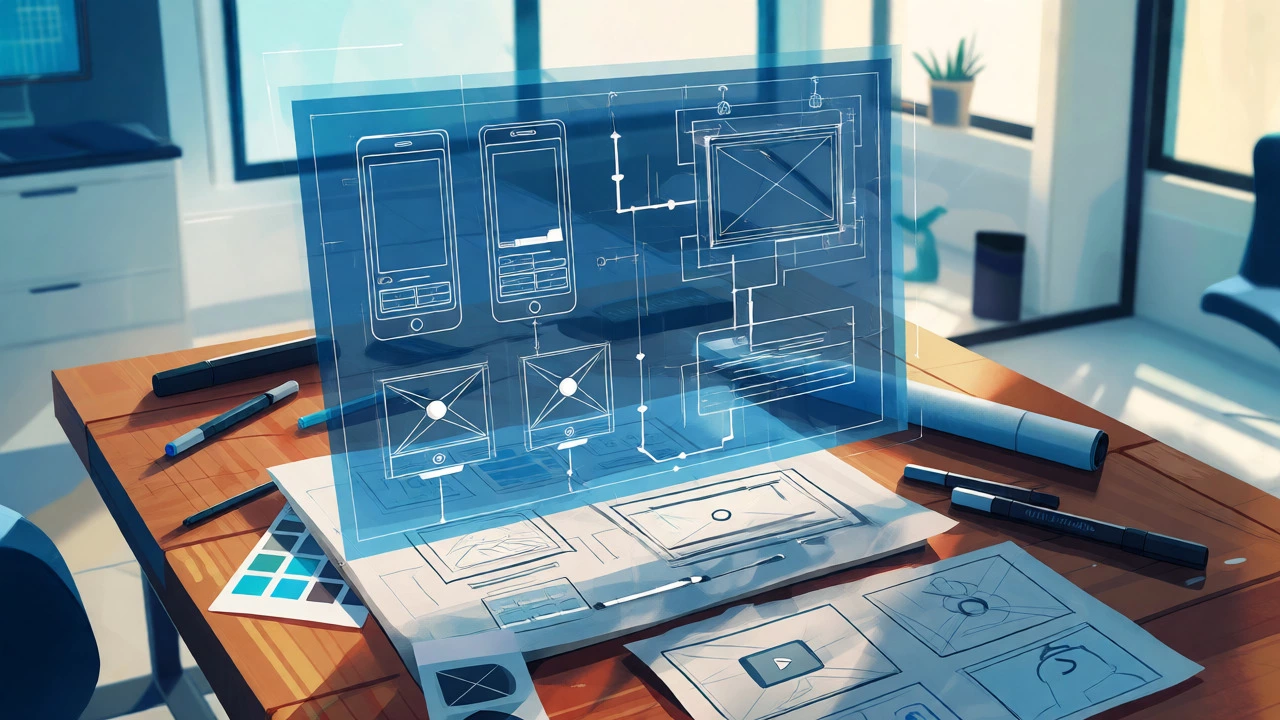
Once you know what needs to be taught, you map out how it will be taught. Think of this as writing the blueprint for a building. You aren’t laying bricks yet; you’re deciding where the doors go. In the Design Phase, you create storyboards, wireframes, and assessment strategies.
Decide on the modality. Will this be a self-paced micro-learning series? A blended approach combining live webinars with pre-reads? Or perhaps a gamified simulation? For example, if you’re teaching software navigation, a static PDF is useless. You need screen recordings or interactive simulations. If you’re teaching leadership soft skills, role-play scenarios work better than bullet points.
| Learning Objective Type | Recommended Format | Why It Works |
|---|---|---|
| Factual Recall | Flashcards / Quizzes | Spaced repetition reinforces memory |
| Procedural Skills | Video Demos / Simulations | Visual demonstration shows steps clearly |
| Critical Thinking | Case Studies / Branching Scenarios | Learners apply logic to complex situations |
| Attitude Change | Narrative Storytelling | Emotional connection drives behavioral shift |
Storyboarding is crucial here. Sketch out each screen or scene. Note what text appears, what audio plays, and what interaction happens. This prevents scope creep during development. Also, plan your assessments. Don’t just slap a multiple-choice quiz at the end. Embed checks throughout the module to keep learners engaged and ensure comprehension before moving forward.
Stage Three: Development - Building the Assets
Now you build. This is where designers, developers, and SMEs collaborate closely. During the Development Phase, you produce the final assets according to the design blueprints. This includes recording voiceovers, editing videos, coding interactive elements, and assembling the course package.
Quality control matters more than speed. A shaky webcam recording with poor lighting screams "low effort," causing learners to disengage immediately. Invest in decent audio equipment; bad sound is far more distracting than mediocre visuals. Use authoring tools like Articulate Storyline or Adobe Captivate for robust interactivity, or simpler tools like Canva or Loom for quick updates.
Accessibility is non-negotiable. Ensure all videos have captions, images have alt-text, and navigation works with keyboard-only inputs. This isn’t just legal compliance; it’s good UX. Test your prototype with a small group of users. Watch them struggle. Where do they click incorrectly? Where do they pause? These insights are gold. Fix bugs now, not after launch. Remember, once the course is live, changing code or re-recording video becomes exponentially harder.
Stage Four: Implementation and Evaluation - Launch and Learn
Building the course is only half the battle. Getting people to take it-and finish it-is the other half. The Implementation Phase involves deploying the course to the LMS, communicating with stakeholders, and supporting learners. Don’t just email a link and hope for the best. Create a launch campaign. Explain why this training matters to their daily work.
Support structures are vital. Who answers questions if a learner gets stuck? Is there a help desk? Peer forums? Without support, completion rates plummet. Once the course is live, the real work begins: evaluation. Many organizations stop here, assuming deployment equals success. That’s a mistake.
Evaluation should happen at two levels. First, check operational metrics: Did the LMS track completions correctly? Were there technical glitches? Second, measure impact. Did performance improve? Did error rates drop? Use Kirkpatrick’s four levels of evaluation as a guide: Reaction (did they like it?), Learning (did they acquire knowledge?), Behavior (are they applying it?), and Results (did business outcomes change?).
Common Pitfalls in the eLearning Lifecycle
Even with a solid plan, things go wrong. Here are the most frequent traps I’ve seen in Auckland boardrooms and global enterprises alike:
- The "Dump and Run": Taking a 100-page Word doc and pasting it into slides. This ignores cognitive load theory. Break content into chunks.
- Ignoring Mobile Users: Over 60% of adult learners access content on smartphones. If your course requires a mouse hover, you’ve lost half your audience.
- Lack of Iteration: Treating the first version as final. Digital content should evolve. Update outdated examples annually.
- Over-Engineering: Spending weeks on animations that add no educational value. Keep it simple and functional.

Putting It All Together: A Real-World Example
Imagine a retail chain needing to train staff on new point-of-sale software. Analysis: They discover turnover is high, so training must be short and repeatable. Design: They choose 3-minute mobile-friendly videos for each transaction type. Development: Screen captures are recorded with clear narration. Interactive quizzes test payment processing. Implementation: The course is pushed to tablets used on the shop floor. Managers receive reports on completion. Evaluation: After a month, cash register errors drop by 15%, proving ROI.
This cycle doesn’t end. Data from the implementation phase feeds back into the analysis phase for the next update. Maybe users struggled with refunds, so the next iteration adds a dedicated module for that. This continuous loop ensures your eLearning remains relevant.
Frequently Asked Questions
Are the four stages of eLearning always sequential?
Not necessarily. While the traditional model is linear, modern Agile methodologies often blend these stages. You might develop a prototype during the design phase to test with users, then return to analysis based on feedback. The key is flexibility, not rigid adherence to a checklist.
Do I need a custom LMS to follow these stages?
No. You can implement these stages using simple tools like shared drives and email surveys for evaluation. However, an LMS automates tracking and reporting, making the Implementation and Evaluation stages much easier to manage at scale.
How long does each stage typically take?
It varies wildly. A simple compliance update might take days, while a comprehensive certification program could take months. Generally, Analysis and Design should consume about 40-50% of your project timeline to prevent costly rework during Development.
What is the biggest mistake beginners make in the Analysis phase?
Assuming everyone knows what they need. Beginners often skip stakeholder interviews and jump straight to content creation. This leads to courses that miss the mark because they address symptoms rather than root causes.
Can AI automate any of these stages?
Yes, increasingly so. AI can assist in generating initial drafts during Design, creating transcripts for Accessibility during Development, and analyzing large datasets during Evaluation. However, human oversight is still critical for strategic Analysis and creative Design decisions.
Next Steps for Your Team
If you’re starting a new eLearning project, grab a whiteboard. Draw four columns: Analysis, Design, Development, Implementation. Assign owners to each column. Set deadlines. Most importantly, schedule a review meeting after the Design phase before you spend money on production. Catching a structural flaw then costs pennies; catching it after launch costs thousands.
Remember, eLearning isn’t about technology. It’s about changing behavior. Use these four stages as your compass, but keep your eyes on the learner.
