Ever wondered why some online courses work smoothly across different platforms while others break or look totally different? It all comes down to two things: LMS and SCORM. They’re often mentioned together, but they’re not the same thing - and mixing them up can cost time, money, and learner engagement.
What Is an LMS?
An LMS, or Learning Management System, is the platform where your courses live. Think of it like an online classroom. It’s where students log in, watch videos, take quizzes, submit assignments, and track their progress. Popular examples include Moodle, Canvas, Blackboard, and Google Classroom.
An LMS handles user accounts, course enrollment, grading, reporting, and communication. It’s the dashboard that teachers and admins use to manage everything. Without an LMS, you’d have no central place to deliver or track e-learning content. It’s the house. The walls, doors, and lights. But it doesn’t tell you what kind of furniture goes inside.
What Is SCORM?
SCORM stands for Sharable Content Object Reference Model. It’s not a platform. It’s not a tool. It’s a set of technical rules - like a language - that lets e-learning content talk to an LMS.
Imagine you buy a smart TV. You plug in a DVD player, a game console, and a streaming box. Each one works because they all follow the same HDMI standard. SCORM does the same thing for e-learning. It makes sure that a course created in Articulate Storyline, Adobe Captivate, or Lectora can be uploaded to any LMS that supports SCORM - and still track progress, scores, and completion.
Before SCORM, every course had to be built specifically for one LMS. If you switched systems, you had to rebuild everything from scratch. SCORM changed that. It let course creators build once, and deploy anywhere.
LMS vs SCORM: The Core Difference
Here’s the simplest way to tell them apart:
- LMS is the platform - where learning happens.
- SCORM is the language - how content communicates with the platform.
You can’t have SCORM without an LMS. But you can have an LMS without SCORM. Many modern LMS platforms now support newer standards like xAPI (Experience API) or cmi5, which do similar things but with more flexibility.
Think of it this way: Your LMS is your smartphone. SCORM is the app format that lets you download and run apps from Apple’s App Store or Google Play. If your phone only supported one app format, you’d be stuck with just a few choices. SCORM opened the door to thousands of compatible courses.
How SCORM Works Inside an LMS
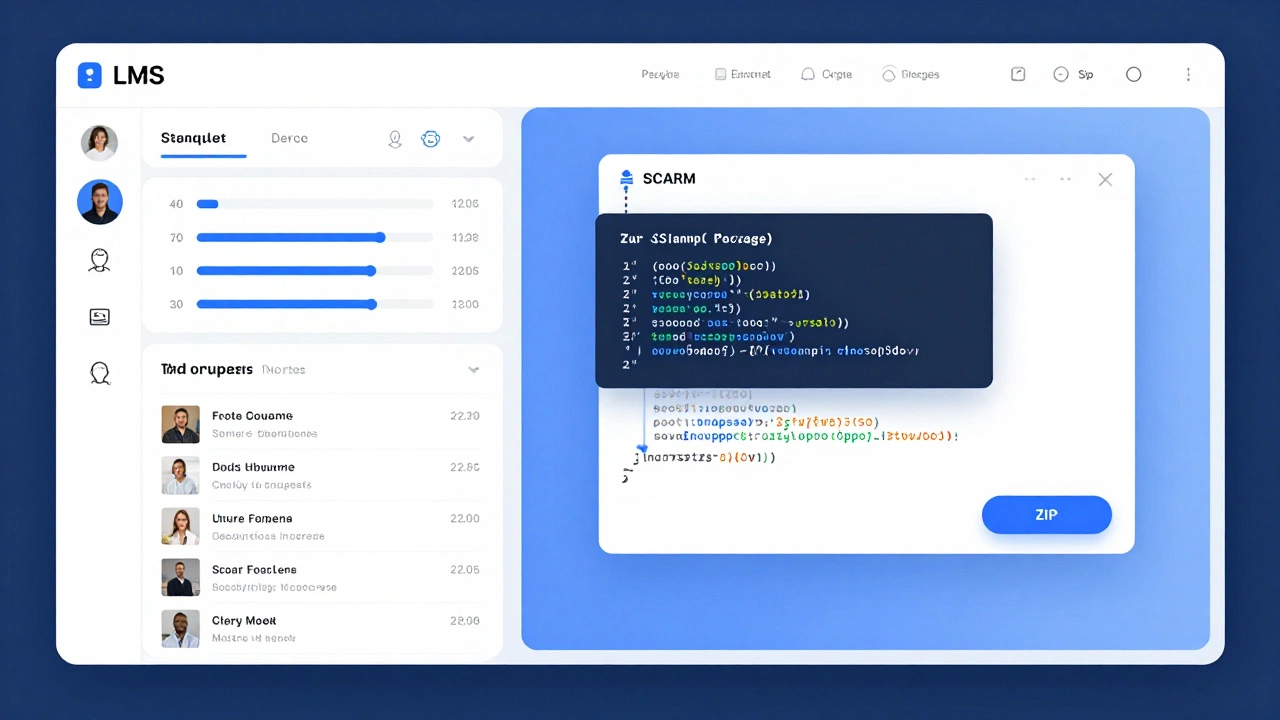
When you upload a SCORM package (usually a .zip file), the LMS reads its manifest file - called imsmanifest.xml. This file tells the LMS:
- What files are included (videos, quizzes, PDFs)
- How the content should be ordered
- What data to track (did the learner finish? What score did they get?)
The LMS then uses JavaScript to communicate with the course. For example, when a learner answers a question, the course sends a message like: "Score: 85%" or "Status: Completed". The LMS saves that data and shows it in reports.
This two-way communication is why SCORM works. If the course doesn’t follow SCORM rules, the LMS won’t know what to do with it. It might load the video, but won’t track progress. Or worse - it might crash.
SCORM Versions: Which One Should You Use?
There are two main versions:
- SCORM 1.2 - The most widely supported. Simple, reliable. Used in 80% of existing e-learning systems.
- SCORM 2004 - More advanced. Supports sequencing (branching lessons), better tracking, and complex interactions. But not all LMSs handle it well.
If you’re just starting out, go with SCORM 1.2. It’s the safe choice. If you need branching paths - like "If the learner fails this quiz, send them to remedial content" - then SCORM 2004 is worth the extra setup.
Fun fact: Adobe Captivate defaults to SCORM 1.2. Articulate Storyline lets you choose. Always check your export settings.
What’s Replacing SCORM?
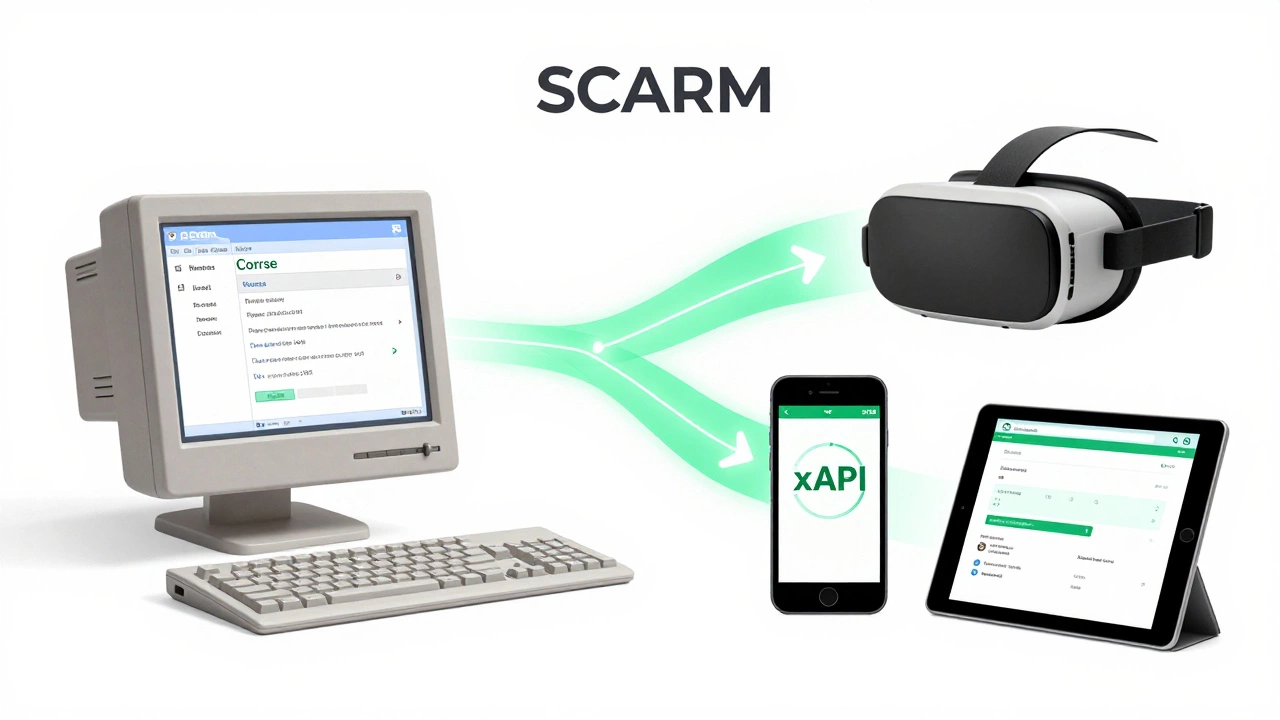
SCORM is old. It was created in 2004. Back then, most learning happened on desktops. Today, learners use phones, tablets, VR headsets, and smartwatches.
SCORM can’t handle:
- Mobile learning without a browser
- Offline progress tracking
- Tracking real-world activities (like attending a workshop or using a simulator)
That’s why newer standards are rising:
- xAPI (Experience API) - Tracks any learning experience, anywhere. "User practiced CPR on a mannequin for 12 minutes" - yes, it can record that.
- cmi5 - Built on xAPI, but designed to work like SCORM. It’s the upgrade path for SCORM users.
Most new LMS platforms released after 2020 support xAPI. But if you’re working with legacy systems - like corporate training from 2015 - SCORM is still king.
Real-World Scenarios
Scenario 1: You’re a small business owner buying a course.
You bought a SCORM package from a vendor. You uploaded it to your LMS. The video plays, but the quiz scores don’t show up. Why? The course was built with SCORM 2004, but your LMS only supports SCORM 1.2. Solution? Ask the vendor to re-export in SCORM 1.2.
Scenario 2: You’re building a course for a university.
You want to track not just quiz scores, but also discussion forum participation and peer reviews. SCORM can’t do that. You need xAPI. Your LMS must support it. If it doesn’t, you’ll need to upgrade or choose a different platform.
Scenario 3: Your company uses an old LMS from 2012.
It only supports SCORM 1.2. You can’t switch LMSs right now. So you stick with SCORM. But you avoid complex branching. You keep courses simple. That’s okay. You’re not trying to reinvent the wheel - you’re just keeping things running.

Should You Use SCORM Today?
Yes - if:
- You’re using a standard LMS (Moodle, Canvas, TalentLMS, etc.)
- You’re buying pre-built courses from vendors
- You don’t need advanced tracking beyond quizzes and completion
No - if:
- You’re building custom learning experiences (like simulations or mobile apps)
- You want to track learning outside the browser
- Your LMS supports xAPI or cmi5
Bottom line: SCORM isn’t dead. But it’s not the future. It’s the reliable old truck that still gets you to work. xAPI is the electric SUV - more powerful, more flexible, but needs a charging station (a modern LMS).
Key Takeaways
- An LMS is the platform where learning happens.
- SCORM is the standard that lets content talk to an LMS.
- SCORM 1.2 is the safest choice for compatibility.
- SCORM can’t track real-world or mobile learning - xAPI can.
- You need both: an LMS to host content, and SCORM (or xAPI) to make it work properly.
Frequently Asked Questions
Can I use SCORM without an LMS?
No. SCORM is a communication standard - it only works when an LMS is there to receive and record data. If you open a SCORM file directly in your browser, the course might play, but it won’t track progress or scores. You need an LMS to make SCORM useful.
Is SCORM still relevant in 2026?
Yes, but only in legacy systems. Most new e-learning platforms now support xAPI or cmi5. However, over 60% of corporate and educational LMSs still rely on SCORM 1.2 because it’s simple, stable, and widely supported. If you’re buying pre-made courses or working with older systems, SCORM is still essential.
What’s the difference between SCORM and xAPI?
SCORM tracks only online, browser-based learning - like quizzes and video completion. xAPI tracks any learning experience: mobile apps, simulations, real-world tasks, even VR. It sends data like "User practiced welding for 15 minutes" or "User watched a 3D anatomy tutorial on a tablet during lunch." xAPI is more flexible, but requires a modern LMS.
Do all e-learning courses come in SCORM format?
No. Many vendors still offer SCORM, but newer courses are often delivered as web-based modules (HTML5) or through proprietary platforms. If you’re buying a course, always ask: "Is it SCORM 1.2 compatible?" If the vendor says "It works with any LMS," ask for proof - not all courses are built to standards.
Can I convert a non-SCORM course into SCORM?
Yes - but only if the content is editable. Tools like Articulate Storyline or Adobe Captivate can import videos, PDFs, and slides, then export them as SCORM packages. If you only have a video file or a PDF, you can’t turn it into SCORM without adding tracking elements like quizzes or checkpoints.
Next Steps
If you’re choosing an LMS today, ask vendors: "Do you support SCORM 1.2? What about xAPI?" Don’t assume. Some platforms claim "full compatibility" but only support outdated SCORM versions.
If you’re creating content, start with SCORM 1.2 for maximum reach. If you’re planning long-term, build with xAPI in mind. The future of learning isn’t locked inside a browser - it’s everywhere. And the systems that track learning everywhere are already here.
