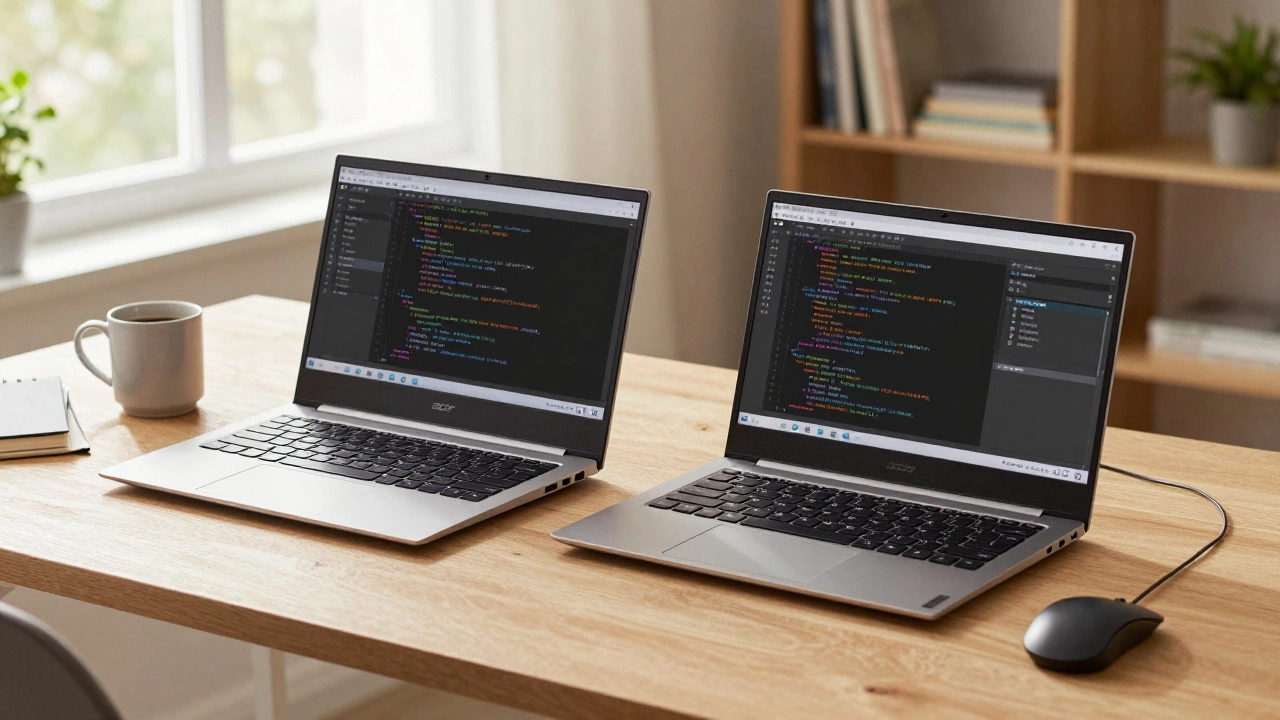
When you're starting out in coding, the last thing you want to worry about is your computer slowing down every time you open a text editor. You don’t need a gaming rig or a $3,000 workstation. But you also don’t want to struggle with a 5-year-old laptop that freezes when you run a simple Python script. The right machine makes learning smoother, faster, and less frustrating.
What you actually need to run code
Most coding tasks don’t demand heavy graphics or massive storage. You’re not editing 4K videos or rendering 3D models. You’re writing text, running interpreters, and occasionally compiling code. The real bottleneck isn’t power-it’s responsiveness. If your laptop takes 10 seconds to open VS Code or loads a terminal after a long pause, you’ll lose focus. And that kills momentum.
Here’s what works in 2025:
- Processor: An Intel Core i5 or AMD Ryzen 5 (12th gen or newer) is the sweet spot. Even budget models like the Intel Core i3-1215U or AMD Ryzen 3 7320U handle JavaScript, Python, and Java just fine. Skip anything older than 2020-those chips struggle with modern tools.
- RAM: 8GB is the minimum. If you’re running a local server, a database, and a browser with 10 tabs open (which you will), 16GB is better. Don’t buy a machine with soldered RAM unless you’re sure you’ll never need more.
- Storage: A 256GB SSD is fine for starters. But if you plan to install Docker, virtual machines, or large datasets later, go for 512GB. HDDs are dead for coding. Don’t even consider them.
- Operating System: Windows, macOS, and Linux all work. Most online tutorials assume you’re on macOS or Linux. If you’re new, macOS is easiest to use without fighting setup issues. Windows works great too, especially with Windows Subsystem for Linux (WSL2). Linux is powerful but requires more tinkering.
What to avoid
There are a lot of laptops marketed as "perfect for coders" that are just overpriced gimmicks. Here’s what to skip:
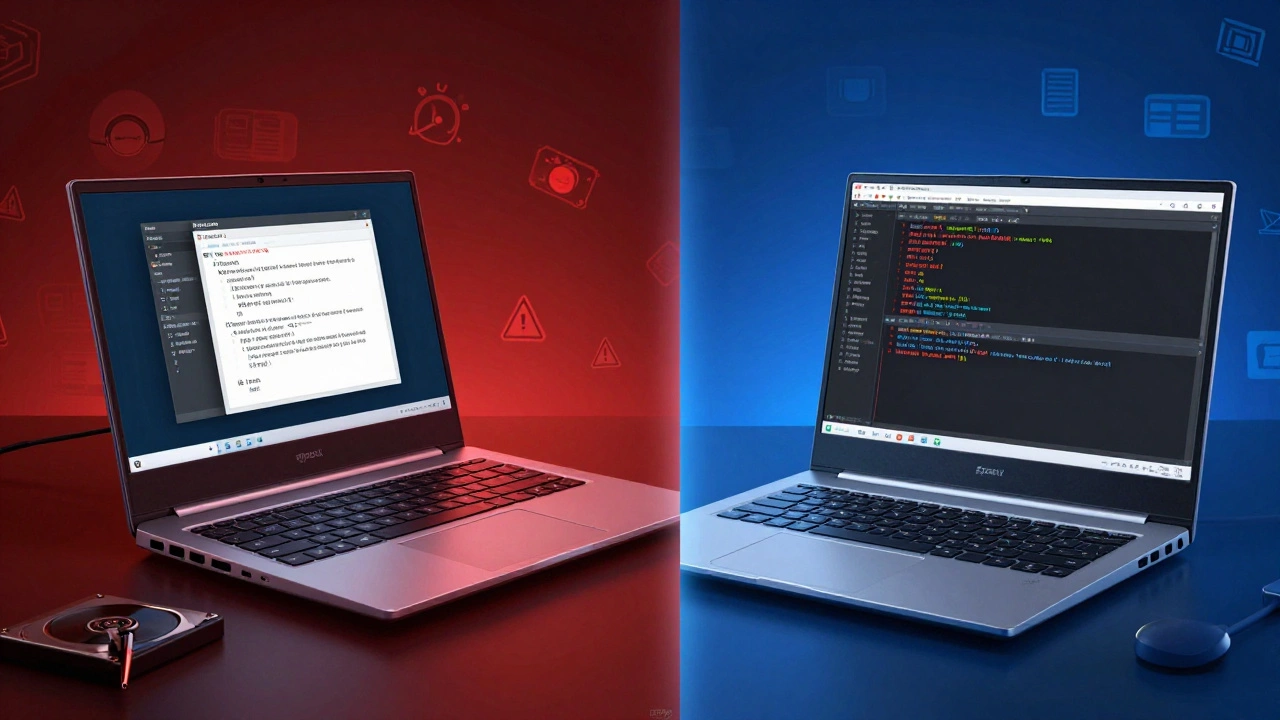
- Chromebooks: They’re great for browsing and docs, but not for installing compilers, running local servers, or using most IDEs. Some newer models support Linux, but it’s clunky and unsupported by most coding bootcamps.
- Old MacBooks (pre-2018): If you’re buying used, avoid anything with a butterfly keyboard or Intel Core i3. The M1 and M2 chips changed everything-those are fine. But older Intel Macs are slow, unsupported, and can’t run the latest versions of Node.js or Python packages.
- Low-end tablets or 2-in-1s: Touchscreens don’t help when you’re typing 500 lines of code. If the keyboard is flimsy or you have to plug in an external one, you’re better off with a regular laptop.
- Devices with less than 8GB RAM: You might think you can get by with 4GB if you "only use the browser." But modern browsers eat RAM, and so do terminals, editors, and background processes. You’ll hit slowdowns before you even write your first line.
Best options for beginners (2025)
You don’t need to spend a fortune. Here are three solid choices under $800 that actually work:
| Model | Processor | RAM | Storage | Price (USD) | Best for |
|---|---|---|---|---|---|
| Lenovo IdeaPad 5 (AMD Ryzen 5 7530U) | AMD Ryzen 5 7530U | 16GB | 512GB SSD | $620 | Windows/Linux users |
| Apple MacBook Air (M2, 2023) | Apple M2 | 8GB | 256GB SSD | $799 | macOS beginners, long battery life |
| Acer Swift 3 (Intel Core i5-1235U) | Intel Core i5-1235U | 16GB | 512GB SSD | $599 | Windows users on a tight budget |
The MacBook Air M2 is the quiet favorite among students. It runs silently, lasts 12+ hours, and handles everything from React to Python without breaking a sweat. The only downside? 8GB RAM can feel tight if you’re running multiple containers or virtual machines. But for learning HTML, CSS, JavaScript, or Python? It’s more than enough.
The Lenovo IdeaPad 5 and Acer Swift 3 are great if you want more RAM, a larger screen, or better keyboard feel. Both support Linux out of the box, which is useful if your class uses Ubuntu or you want to learn command-line tools.
What about desktops?
Most people start with a laptop because they need portability-whether it’s to class, the library, or a coffee shop. But if you’re coding from home full-time, a desktop can be a smarter long-term play.
A $600 desktop with an AMD Ryzen 5 5600, 16GB RAM, and a 512GB SSD will outperform any laptop in the same price range. You can upgrade RAM or storage later. You get better cooling, more ports, and a full-size keyboard. But you lose mobility. For most students and beginners, the trade-off isn’t worth it.
What if you’re doing advanced stuff?
If you’re diving into machine learning, game development, or embedded systems, your needs change.
- Machine learning: You’ll need at least 16GB RAM and a dedicated GPU. NVIDIA RTX 3060 or better. But even then, most beginners use cloud platforms like Google Colab or Replit-so you don’t need a beastly machine to start.
- Game dev (Unity/Unreal): A dedicated GPU helps. Aim for an RTX 3050 or higher. 16GB RAM minimum.
- Embedded systems (Arduino, Raspberry Pi): Any modern laptop works. You just need USB ports and good serial communication tools.
For most people taking coding classes-whether it’s Python, Java, or web dev-you don’t need these specs yet. Start simple. Upgrade later if you hit limits.
Don’t forget the extras
Hardware matters, but so do the little things:
- Keyboard: You’ll be typing for hours. Look for a keyboard with good key travel and decent spacing. Backlit keys help if you code late.
- Screen size: 13 inches is okay. 14 or 15 inches is better. You want to see multiple code files side by side without squinting.
- Battery life: If you’re moving between classes or working in places without outlets, aim for 8+ hours. M-series MacBooks and newer Ryzen laptops win here.
- Ports: USB-C is standard now. But make sure you have at least one USB-A port for older peripherals like mice or flash drives. Or carry a small hub.
Bottom line
You don’t need the most expensive laptop to learn how to code. You need a machine that doesn’t slow you down. Go for an Intel Core i5 or AMD Ryzen 5, 16GB RAM, and a 512GB SSD. Pick macOS if you want the smoothest setup. Pick Windows or Linux if you want more flexibility or lower cost.
Save your money for courses, books, or a better chair. Your computer just needs to get out of your way. The code is what matters-not the brand on the lid.
Can I code on a Chromebook?
Technically, yes-if your Chromebook supports Linux apps. But most coding bootcamps and online courses assume you’re using Windows, macOS, or native Linux. You’ll spend more time fixing setup issues than writing code. For beginners, it’s not worth the hassle.
Is 8GB RAM enough for coding?
It’s the bare minimum. If you’re just learning HTML, CSS, and JavaScript, 8GB is fine. But if you plan to use Docker, run local databases, or open multiple apps at once, you’ll notice slowdowns. 16GB is the safer choice for future-proofing.
Should I buy a Mac or Windows laptop?
Most tutorials assume macOS or Linux. Macs handle command-line tools and development environments better out of the box. Windows works fine too, especially with WSL2, but setup takes more steps. If you’re new, a Mac reduces friction. If you’re on a budget, a Windows laptop gives you more power for less money.
Do I need a dedicated graphics card for coding?
No, not for web development, Python, Java, or most beginner programming. You only need a dedicated GPU if you’re doing game development, 3D rendering, or machine learning with local models. For 95% of coding classes, the built-in graphics are more than enough.
What if I can’t afford a new laptop?
Many schools and coding bootcamps offer loaner laptops. Check with your program. You can also find used MacBook Airs (M1 or newer) or Dell Inspiron laptops for under $250. As long as it has 8GB RAM and an SSD, it’ll work. Avoid anything with an HDD or a processor older than 2018.
